
If you are planning to start a career in tech, one of the most frequently searched and highly rewarding career paths today is Full Stack Web Development. Whether you are a fresher, a college student, a working professional, or someone switching from a non- IT background, full stack development offers strong career growth, higher salary potential, and opportunities across startups, MNCs, and global remote roles.
Full stack developers are the professionals who build complete web applications. They understand how to create the frontend that users see, the backend that manages logic, and the database that stores information. In other words, a full stack developer works on the entire process of building digital products.
This roadmap covers everything in depth, including technologies, roles, responsibilities, skills, tools, salary structure, common mistakes, and FAQs.
Let’s explore it step by step.
Full Stack Web Development refers to the end-to-end development of web applications using both frontend and backend technologies. It includes:
● Building the visual part of the website or app (frontend)
● Creating the logical and functional backend
● Managing databases that store application data
A full stack developer is someone who understands all three layers and can take an idea and convert it into a fully functioning web application.
In simple terms:
Frontend = What users see
Backend = How things work
Database = Where data is stored
This combination makes full stack developers capable of building modern, scalable, and interactive web applications independently.
The demand for full stack developers is increasing rapidly because companies want professionals who can understand and work across multiple layers of development. With shorter development cycles, agile methodologies, and the rise of cloud-based and AI-powered applications, the need for multi-skilled developers is growing every day.
Here are the major reasons behind its popularity:
● Every industry is shifting to digital platforms
● Companies prefer developers who understand the full life cycle of a product
● Startups require multi-role developers to reduce hiring costs
● Freelancing and global remote opportunities have increased
● Learning resources and tools are more accessible than ever
● Faster development is possible with powerful stacks like MERN, MEAN, Django, and Java Spring Boot
Full stack development is divided into three major categories. Understanding these layers will help you visualize how a complete web application works.
Frontend is the user interface. It includes everything the user can see and interact with on the screen.
Technologies used:
● HTML
● CSS
● JavaScript
Frontend frameworks:
● React
● Angular
● Vue.js
Frontend developers handle:
● Website layout
● Buttons, forms, images
● Animations and transitions
● Responsive design
● UI/UX consistency
● Integration with backend APIs
Frontend is extremely important because user experience deeply influences retention, engagement, and conversion.
Backend deals with the logic, security, data handling, and processing that happens behind the scenes.
Common backend languages:
● Java (Spring Boot)
● Python (Django, Flask)
● JavaScript (Node.js)
● PHP (Laravel)
● C# (.NET Core)
Backend responsibilities include:
● Handling requests from frontend
● Creating APIs
● Authentication
● Payment integrations
● Data processing
● File uploads
● Server-side security
● Performance optimization
Without backend development, websites would be static and unable to store or process information.
A database stores user data, product data, transactions, messages, orders, login details, and much more.
Two types of databases are commonly used:
SQL Databases
● MySQL
● PostgreSQL
● SQL Server
● Oracle
NoSQL Databases
● MongoDB
● Firebase
● DynamoDB
Database responsibilities:
● Designing tables or collections
● Writing queries
● Performing CRUD operations
● Indexing for performance
● Ensuring data security
● Maintaining backups
The backend and database work together to run the entire business logic of a web application.
A full stack developer takes ownership of both client and server sides of a project.
Role responsibilities include:
● Building frontend interfaces
● Developing backend APIs
● Writing server-side logic
● Designing and managing databases
● Testing and debugging applications
● Integrating third-party services
● Ensuring responsive and secure applications
● Working with version control (Git)
● Deploying applications to cloud platforms
● Collaborating with design and product teams
A full stack developer is valued because they can handle multiple responsibilities smoothly.
Here is a proven, systematic roadmap to become a job-ready full stack web developer in 2025.
These are the fundamentals. Without mastering these, you cannot move ahead.
Topics to learn:
● HTML tags, structure, forms
● CSS selectors, layouts, Flexbox, Grid
● JavaScript variables, functions, loops
● DOM manipulation
● Events
● ES6+ concepts
● Fetch API
● Basic debugging
Your goal should be to build static and dynamic web pages confidently.
The most popular choice is React, but Angular and Vue are also strong options.
Key concepts to learn:
● Components
● Props and state
● Hooks
● Routing
● Conditional rendering
● State management (Context API or Redux)
● Form handling
● API integration
● Reusable components
● Project architecture
By the end of this stage, you should build at least three React projects.
Choose one backend technology based on your interest:
● Java Spring Boot (enterprise jobs)
● Python Django (easy for beginners)
● Node.js with Express (JavaScript everywhere)
Learn the following:
● REST API development
● Middleware
● Authentication
● Connecting backend to a database
● File uploads
● Payment gateway integration
● MVC architecture
● Error handling
● Logging and monitoring
Backend mastery ensures you can create real, functional applications.
You should learn one SQL and one NoSQL database.
Learn topics like:
● Creating tables or collections
● Writing queries
● Joins and relationships
● Indexing
● Stored procedures
● Optimizing queries
● Understanding schemas
● Backup and recovery
● ORM libraries (Hibernate, Sequelize, Django ORM)
Database knowledge is essential for building scalable applications.
This is compulsory in every IT job.
Learn:
● Git commands
● Branching
● Merging
● Resolving conflicts
● Creating pull requests
● GitHub workflows
● Code reviews
Your GitHub profile acts like your online resume.
Work on 5–10 major projects. This is what companies value the most.
Beginner projects:
● Portfolio website
● Calculator
● Notes app
● To-do list
Intermediate projects:
● E-commerce website
● Job portal
● Blog application
● Chat application
Advanced projects:
● Learning management system (LMS)
● Social media application
● Real-time dashboard
● Logistics management system
Projects demonstrate that you can convert concepts into working products.
Learn to deploy full stack apps on:
● Netlify
● Vercel
● Render
● AWS EC2
● DigitalOcean
● Heroku
Learn:
● CI/CD basics
● Domain mapping
● Environment variables
● Production optimization
Deployment skills make you industry-ready.
Interview preparation includes:
● Core web fundamentals
● JavaScript knowledge
● Backend scenarios
● SQL queries
● Problem-solving
● System design basics
● Resume preparation
● Project explanation techniques
This stage transforms your learning into job readiness.
Full stack development plays a role in almost every digital platform:
● Online shopping websites
● Banking apps
● Food delivery platforms
● Social media networks
● OTT streaming services
● Healthcare management systems
● School or college ERP portals
● SaaS dashboards
● CRM systems
● Booking applications
● Travel platforms
Every industry depends on full stack developers to build reliable digital systems.
Frontend tools:
● VS Code
● Chrome DevTools
● Tailwind CSS
● Bootstrap
● Figma
● NPM
Backend tools:
● Postman
● Swagger
● Docker
● Kubernetes
● Redis
● Nginx
Database tools:
● MySQL Workbench
● pgAdmin
● MongoDB Compass
These tools increase productivity and help in building scalable applications.
Technical skills:
● HTML, CSS, JavaScript
● Frontend frameworks
● Backend frameworks
● API development
● SQL and NoSQL
● Git and GitHub
● Deployment
● Debugging
● Cloud basics
Soft skills:
● Problem-solving
● Analytical thinking
● Time management
● Communication
● Team collaboration
Both sets of skills play an important role in career growth.
Many beginners make similar mistakes that slow down their progress.
Avoid the following:
● Trying to learn everything at once
● Skipping fundamentals
● Avoiding pure JavaScript
● Not practicing Git
● Learning only theory
● Following outdated tutorials
● Not building projects
● Lack of consistency
● Ignoring backend concepts
● Not deploying applications
Success in full stack development depends on consistency, practice, and project building.
You can apply for multiple roles:
● Full Stack Developer
● Frontend Developer
● Backend Developer
● Software Engineer
● MERN Developer
● Java Full Stack Developer
● Python Full Stack Developer
● Web Developer
● Product Engineer
● Technical Consultant
The job market is strong, and skilled full stack developers are hired across India, US, UK, UAE, Singapore, and remote platforms globally.
India Salary Overview (2025):
● Freshers: 4.5 to 8 LPA
● Mid-level: 10 to 18 LPA
● Senior level: 20 to 35 LPA
● Architect level: 35 LPA and above
Global Salary Overview:
● USA: USD 85,000 to 150,000 annually
● Europe: EUR 45,000 to 95,000 annually
● Middle East: AED 12,000 to 25,000 per month
● Remote roles: High-paying based on projects and skills
Full stack development offers excellent earning potential, especially with strong project portfolios.
● High demand in every industry
● Suitable for beginners
● Offers strong career growth
● Helps you understand complete product development
● Easy to enter with structured learning
● High-paying opportunities
● Suitable for freelancing and remote jobs
● Opportunity to work on meaningful products
● Continuous learning ensures long-term career stability
Full stack development is future-proof, flexible, creative, and highly rewarding.
Is full stack development good for beginners?
Yes. It is one of the best career options for beginners because it offers multiple job opportunities and a clear learning path.
How long does it take to learn full stack development?
Typically 4 to 8 months, depending on consistency.
Do I need prior programming knowledge?
No. You can start from zero and learn step by step.
What is the best language for full stack development?
JavaScript (MERN), Python, and Java are the top choices.
Should I learn frontend or backend first?
Begin with frontend and then move to backend.
How many projects should I build?
At least 5 to 10 good projects including one capstone.
Is full stack development a secure career?
Yes. It is one of the most in-demand and secure fields.
Can I get a remote job as a full stack developer?
Yes. Full stack roles are among the highest-hiring remote positions.
Full stack web development is one of the most powerful and future-proof career paths for anyone who wants to enter the IT industry. With strong demand, high salaries, and limitless opportunities, it offers a perfect blend of creativity, logic, and problem-solving.
By following the roadmap shared in this guide, you can master full stack development step by step and become job-ready within months. Focus on fundamentals, build real-world projects, understand how both frontend and backend work together, and apply consistently.

JavaScript is one of the most flexible programming languages available today. You could be building web applications, mobile applications, games, or even creating browser extensions. But there's no better foundation for a successful project than JavaScript. In this article, we are going to explore some of the coolest things you can do with JavaScript that aren't only functional but profitable as well.
Some of the most common options don't appear on this list, and that's okay. Please do suggest your own in the comments!
Let's dig into it!
1.Browser Extensions
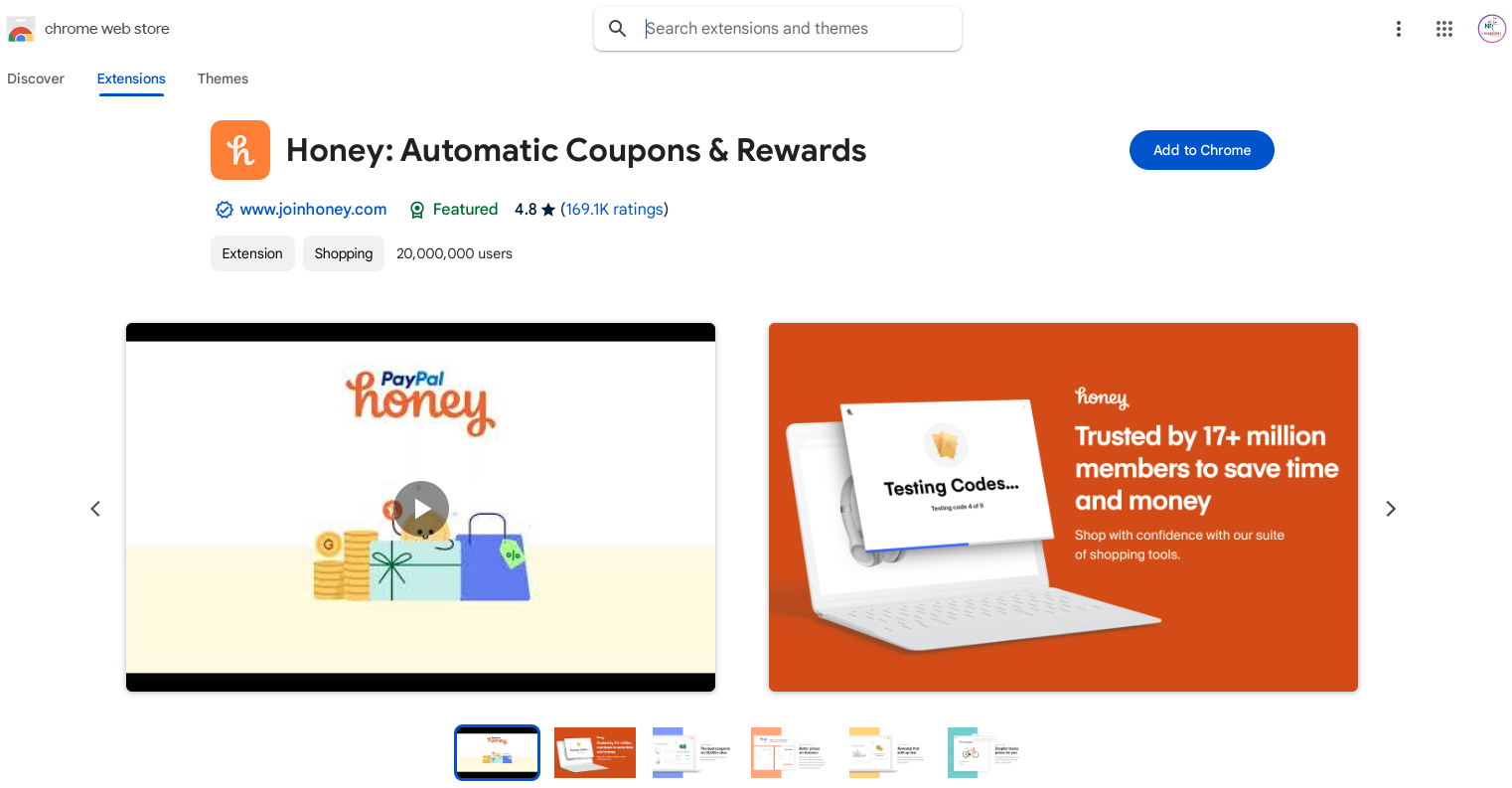
One great thing to do with JavaScript is to make browser extensions. They are awesome because they can extend your browsing capabilities by adding new features or automating tasks. For example, "Honey" helps users find and apply coupon codes when shopping online, and PayPal bought it sometime ago for approximately $4 billion. Building browser extensions is relatively easy, and if they solve some common problem, they might turn out highly profitable.
2.Web Apps
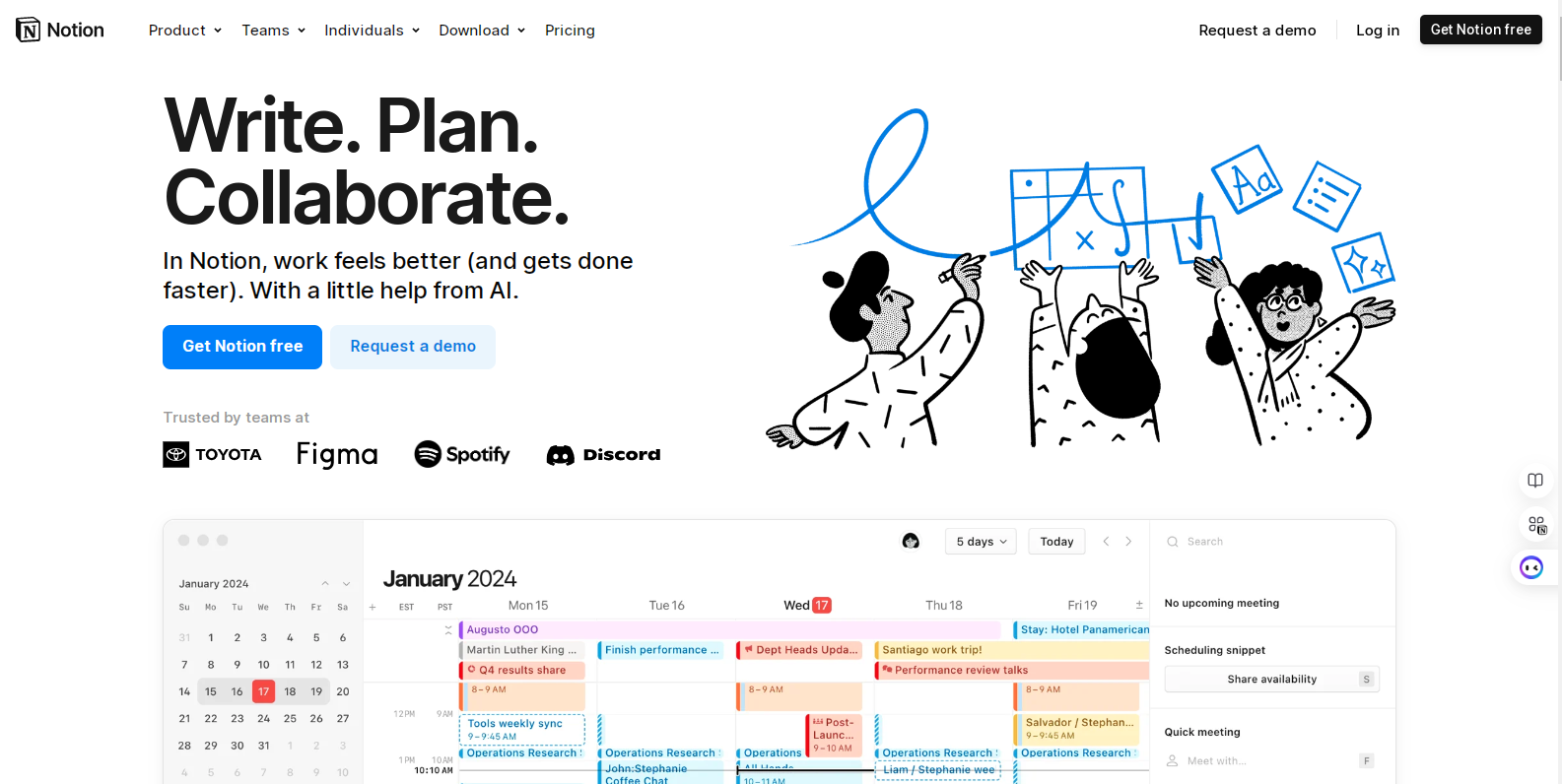
Probably the most obvious thing you can create with JavaScript is a web app. A great example is "Notion." Today it's an indispensable tool both as a personal use case and as something for teams, generating millions in revenue. Building a successful SaaS product that enjoys such widespread acceptance can easily turn into a sustainable and scalable business.
3. Websites
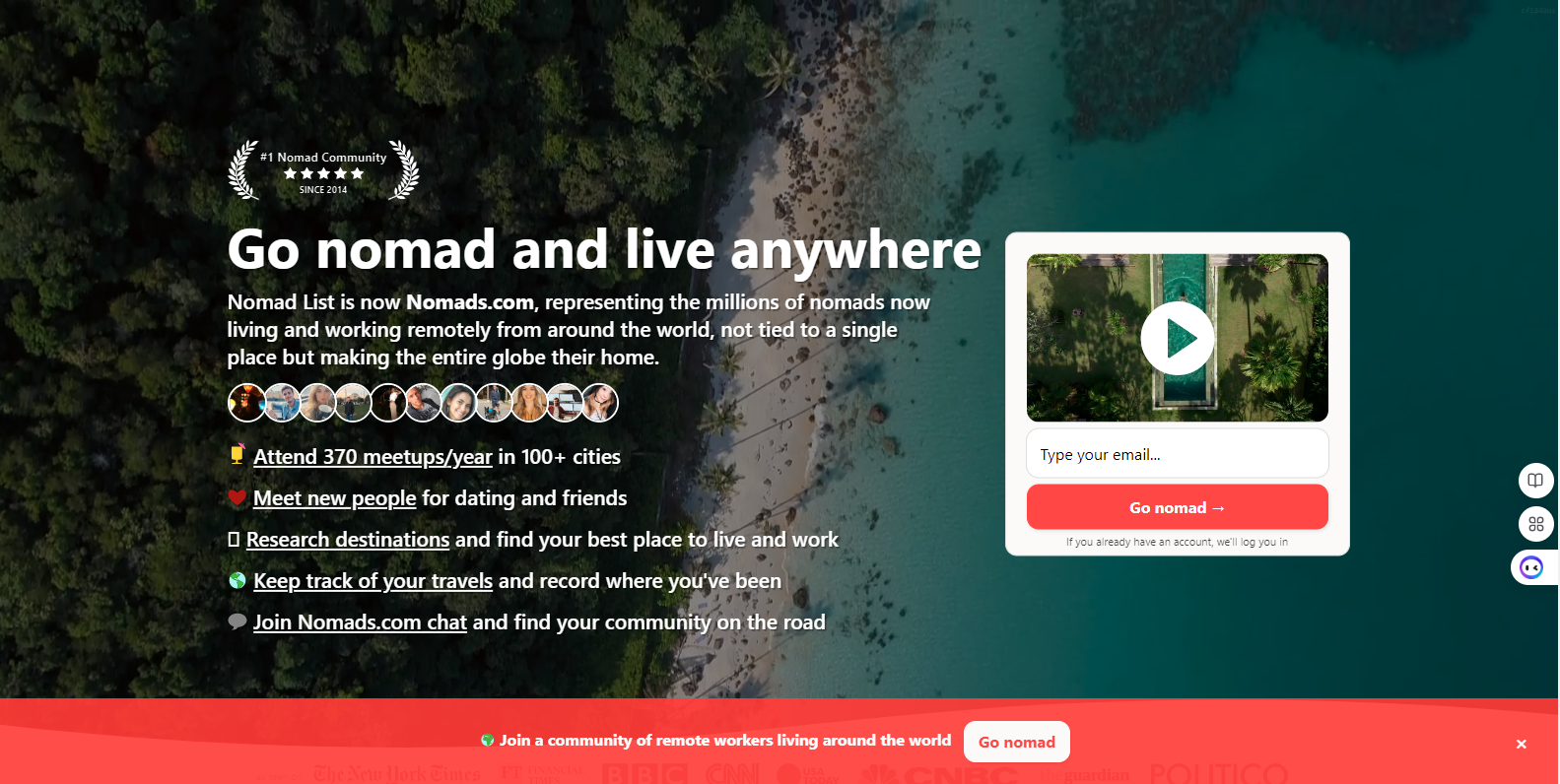
You can make all kinds of web sites: blogs, news sites, e-commerce sites, forums, and many other kinds of web sites using JavaScript. "Nomad List" earns serious income from selling membership fees through a website intended to help digital nomads decide where to live and work remotely. Choosing the right niche and business model, creating sites with JavaScript will surely be a profitable business.
4. Native Mobile Applications
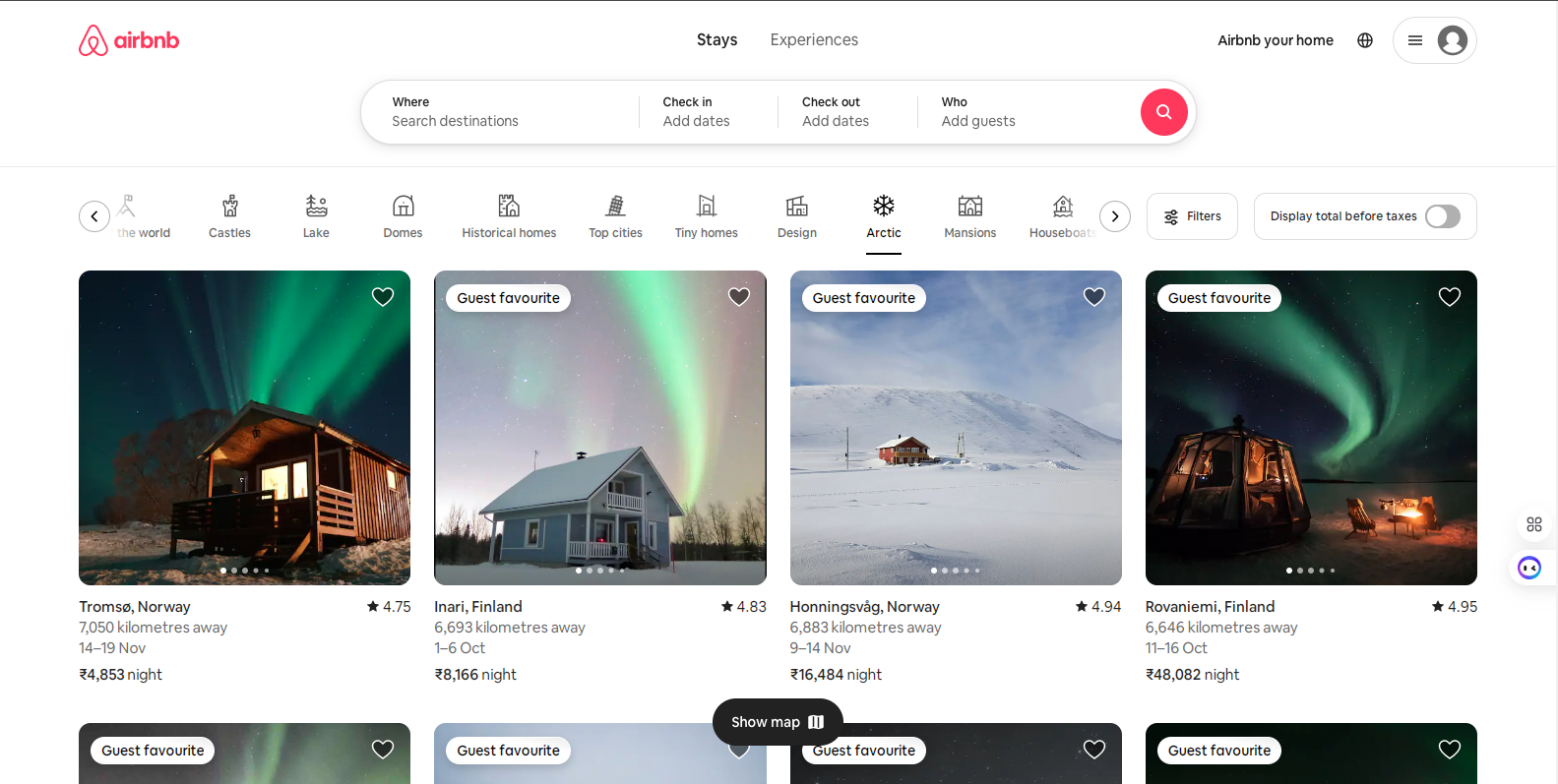
JavaScript is very popular while using native apps. You can create native mobile applications for both Android and iOS using React Native. For instance, an application "Airbnb" was created with React Native. Today, it is a multi-billion-dollar company that connects hosts and guests globally. If you want to work with mobile apps but are not willing to migrate to something else than JavaScript, React Native is an awesome choice.
5. Hybrid mobile Applications
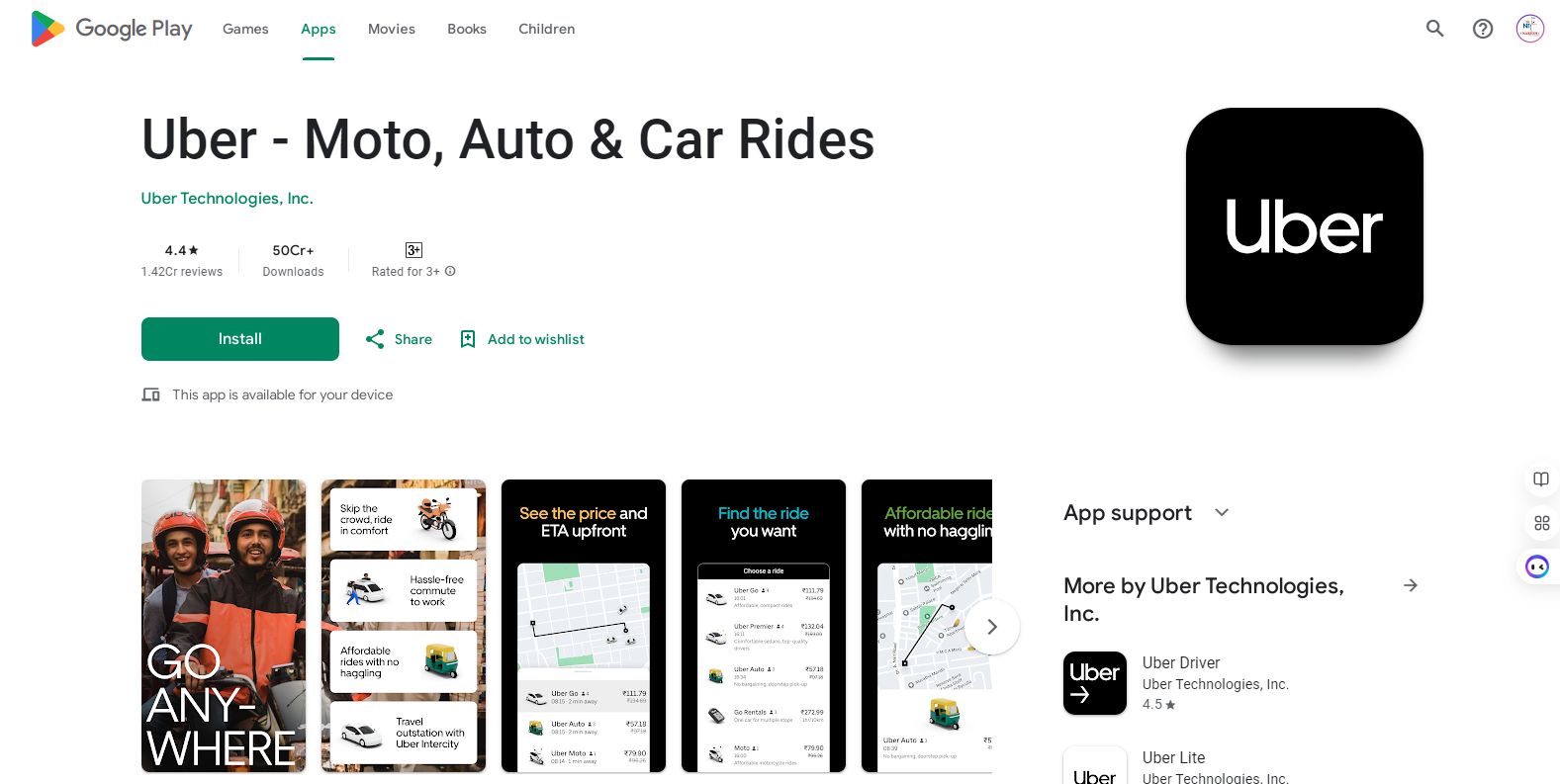
Hybrid mobile apps, based on JavaScript, combined with HTML and CSS, are allowed to work with minimal changes in multiple operating systems. For instance, the "Uber" application, based on the initial hybrid mobile app model, allowed users to use it seamlessly on both iOS and Android platforms. Hybrid mobile apps can easily allow the developer to create an application for multiple platforms at relatively low cost simultaneously.
6. Progressive Web Apps (PWA)
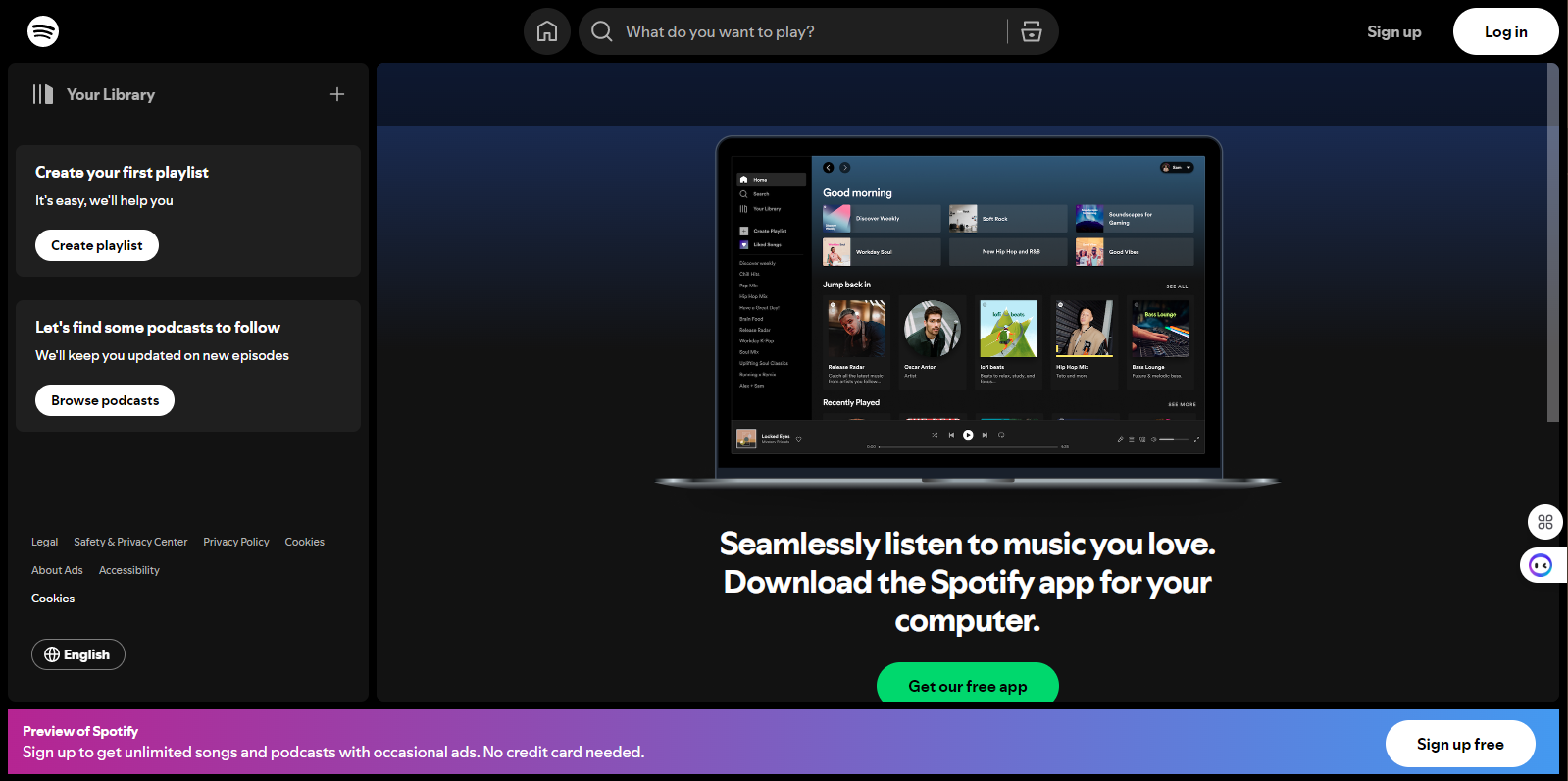
PWAs are web applications that can almost act like native mobile applications. "Spotify" had a PWA version of the service which enables customers to access their music without installing an app, with or without downloading from an app store. PWAs provide great user experience since they offer functions which are faster and also work offline; hence, it is a great option for developers.
7. Trusted Web Activity (TWA)
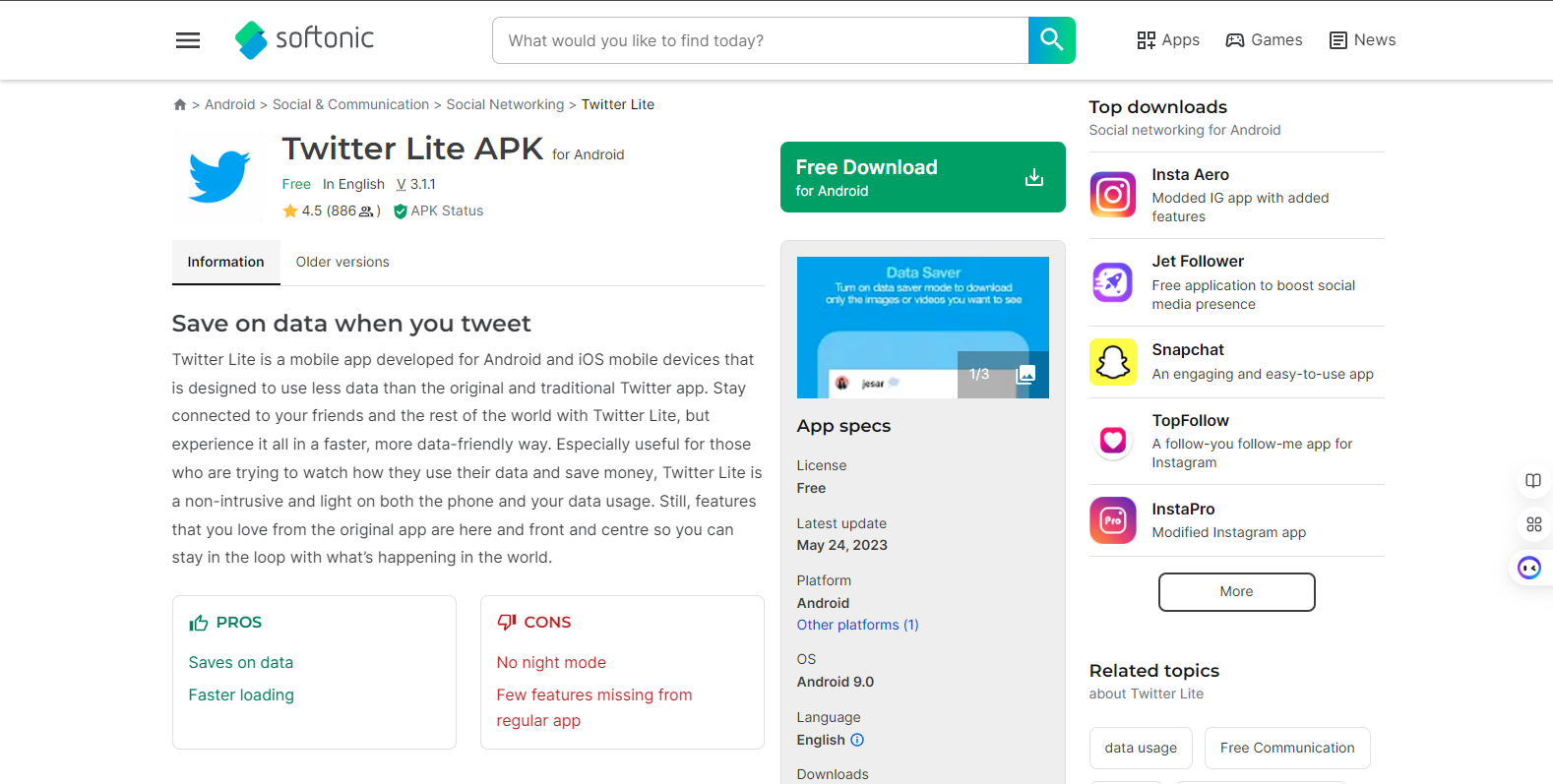
TWAs are new but very rapidly growing. This makes internet content fit within the body of Android applications. The best example is "Twitter Lite," which, in the pursuit of innovation, has made use of TWA to produce lightweight instances of its apps. This is an effective way of developing apps for Google Play and other market places using web technologies such as JavaScript.
8. Desktop applications
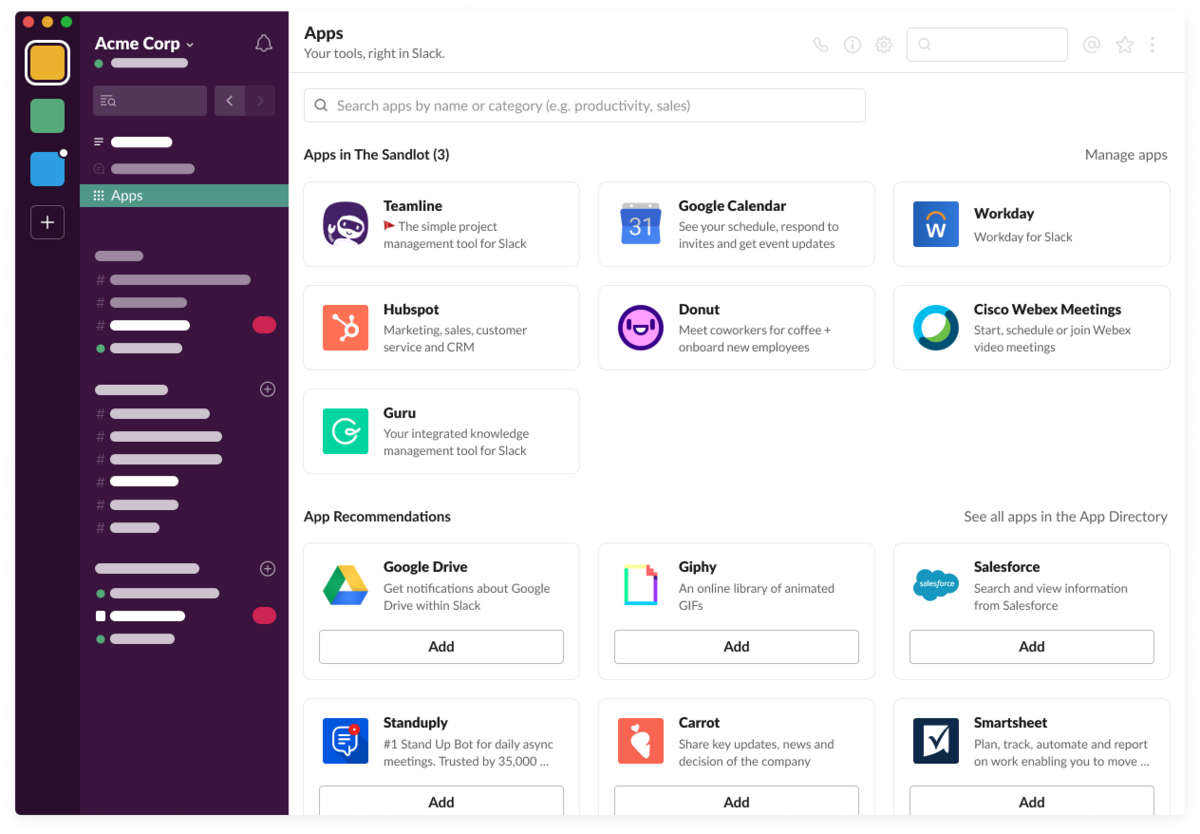
With frameworks like Electron.js, it is now possible to develop desktop apps using JavaScript. Examples include "Slack," a communication tool available to a very large number of teams today. It was initially an application created using Electron and later scaled to millions of users. Desktop apps developed with Electron.js are basic, combining the capabilities of native software with the power offered by web technologies.
9. Application Programming Interfaces (APIs)
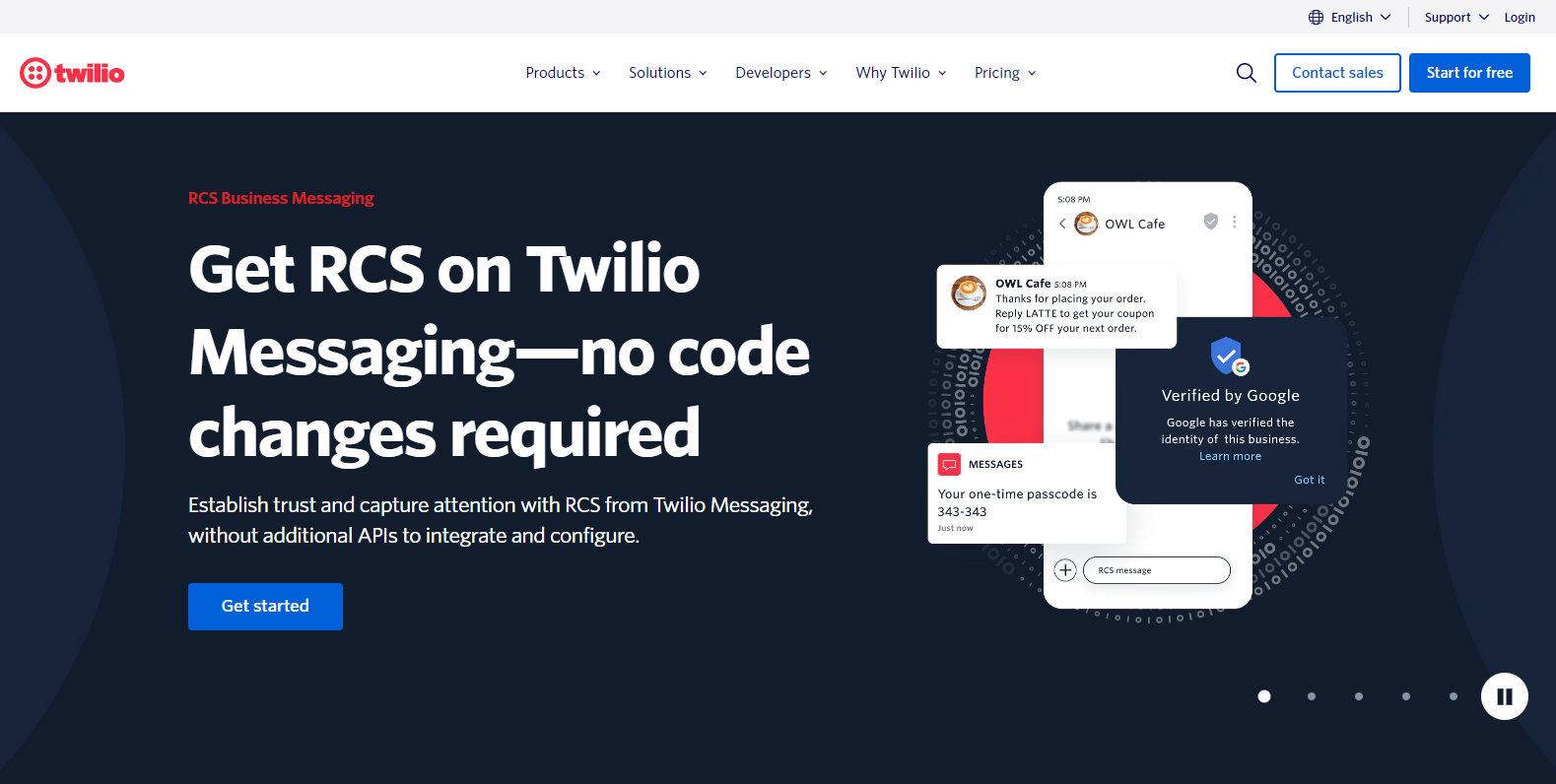
APIs are one of the most monetizable things that can be built using JavaScript. "Twilio" is probably a popular API for communication; with it, developers can send text messages or make calls right from their apps. Twilio's API is hot enough that recently, it even went public. APIs can earn you money passively if you sell them in marketplaces like RapidAPI.
10. JavaScript Frameworks
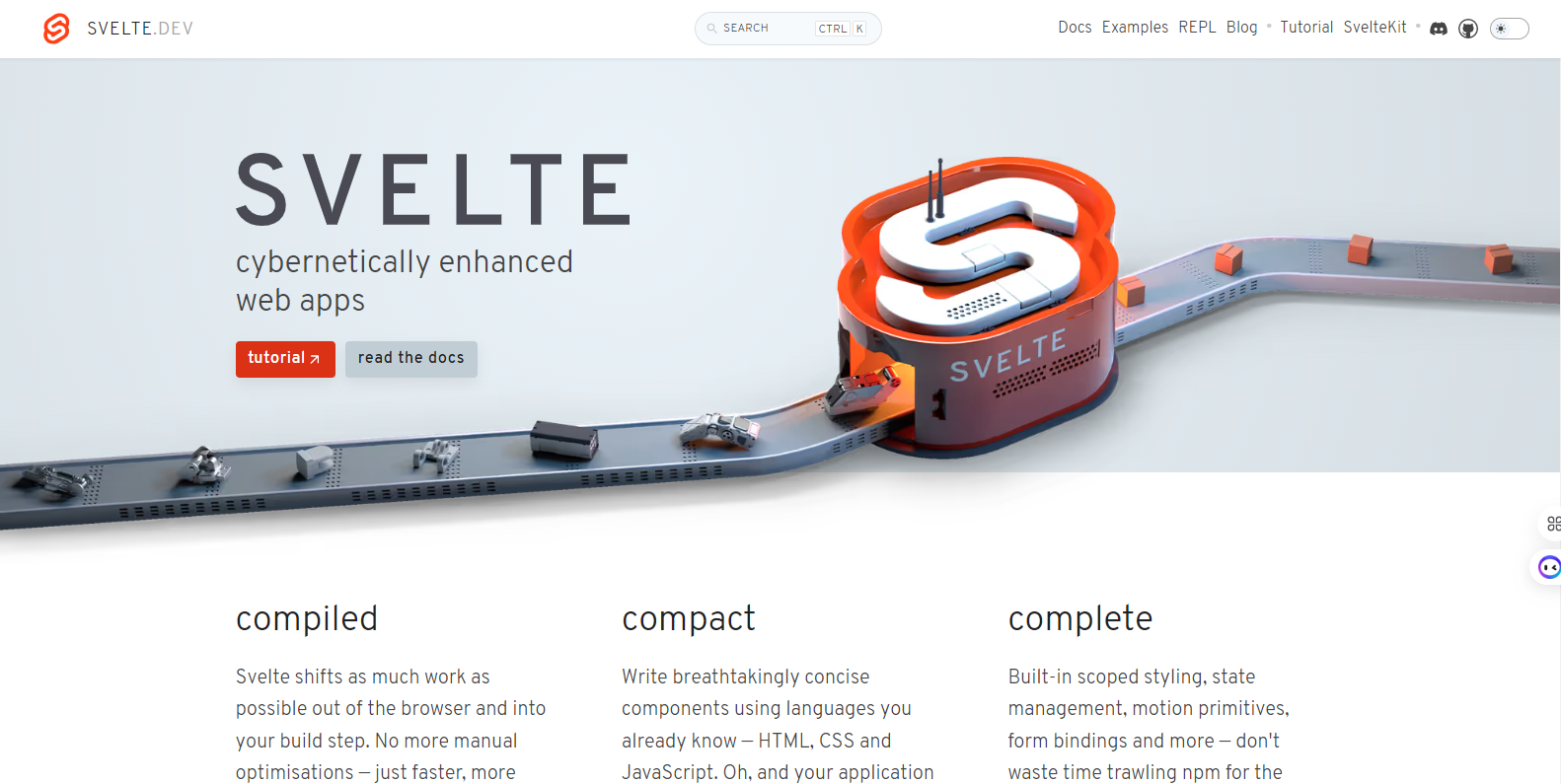
Many robust web applications have been built using frameworks like Vue.js and Next.js, and they are also monetizable. For instance, the company behind "Svelte" offers premium tools and services for developers using its framework. Building and monetizing your own JavaScript framework can create opportunities for paid features, consulting, and sponsorships.
11. JavaScript Libraries
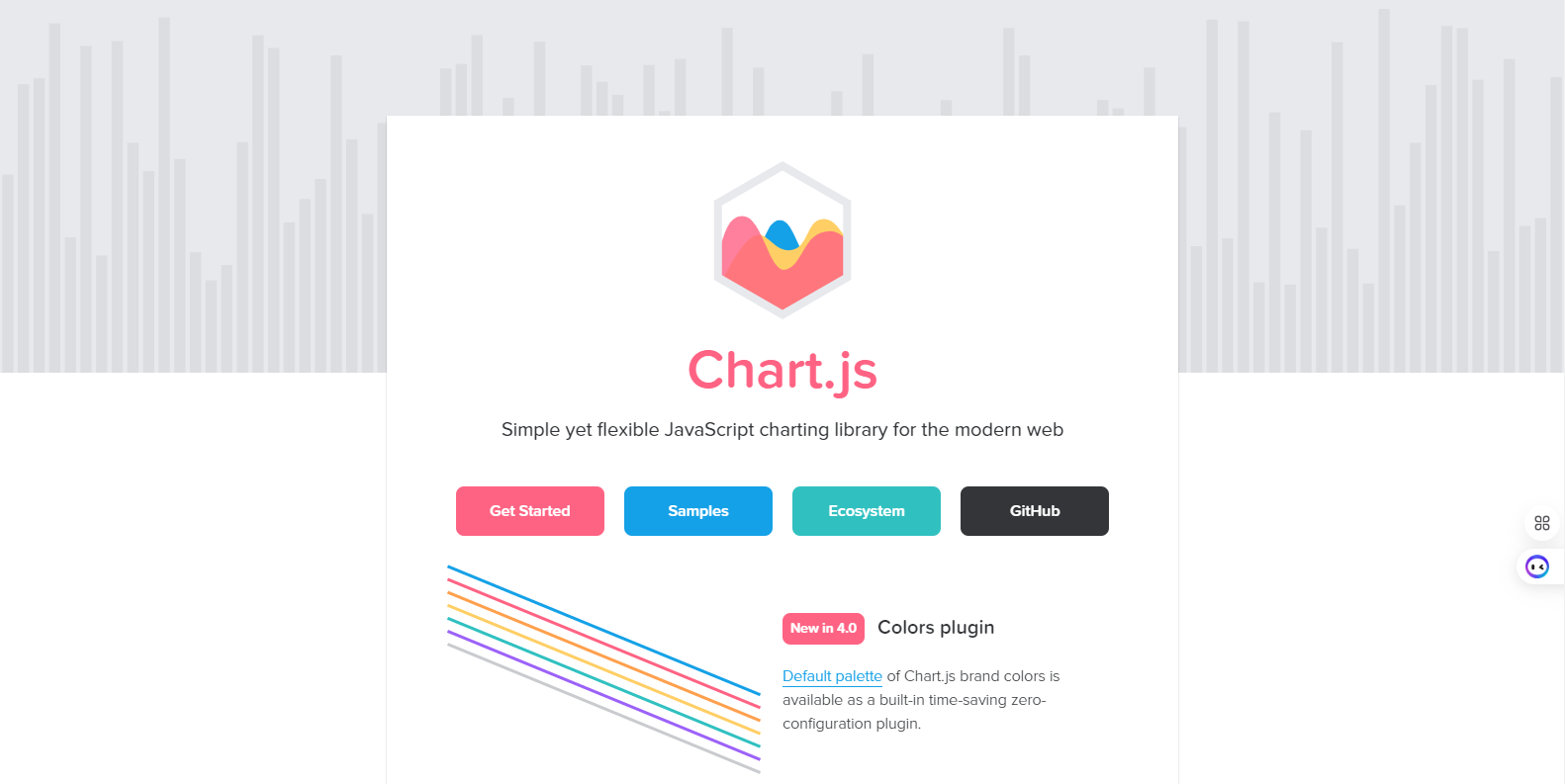
You can even write JavaScript libraries and sell them. For instance, "Chart.js" is a lightweight but versatile library that allows developers to easily build charts. Many contributors purchase or donate for the maintenance of the project. Premium additions, enhanced features, or paid support are excellent ways to maintain a steady source of income from libraries.
12. Templates
Website or SaaS starter kits with JavaScript templates are in quite high demand. "Webflow" is a popular website builder, in this case, offering ready-to-use templates which do not need any kind of coding to create professional websites. Templates can be sold on platforms like ThemeForest, and it is a great source of passive income with minimal upkeep.
13. 2D Games
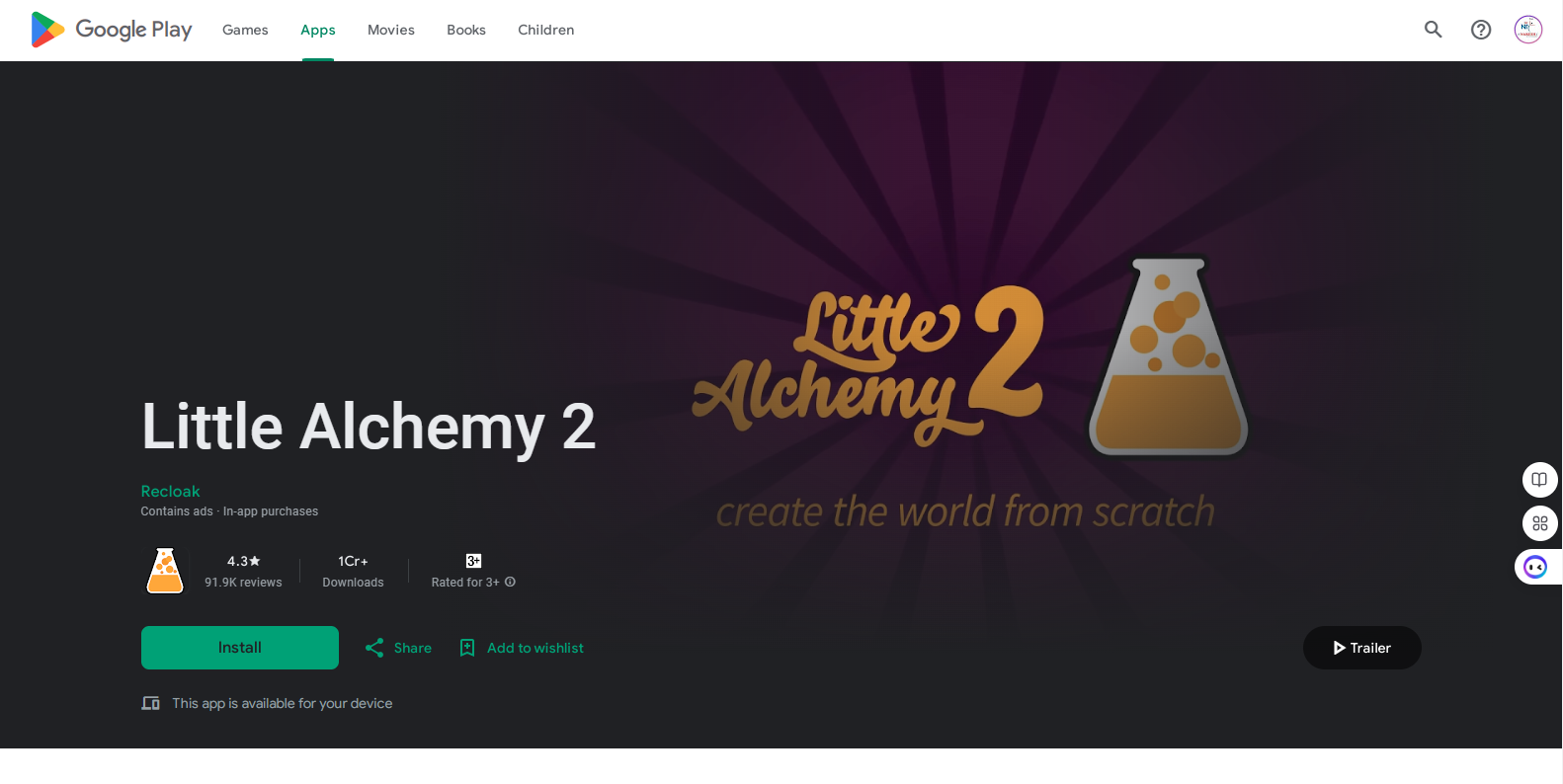
Thanks to JavaScript's new element, the canvas, you now can develop 2D interactive games. The puzzle game "Little Alchemy," where players combine elements, is developed with JavaScript and gained popularity beyond expectation. You can distribute such games through sites like itch.io or monetize them by showing ads, selling items in the game, and so on.
14. 3D Games
WebGL enables JS developers to develop 3D experiences, including games. "Voxel.js" is one of those game engines, allowing for the creation of Minecraft-like 3D games in the browser. Of course, compared to 3D games, it's more complex, but huge potential for such immersive experiences lies there, and ever-growing demand for browser-based 3D applications makes it an exciting area to consider.
15. Third-party plugins
Plugins - Another major source of generating funds is to develop plugins for WordPress, Shopify, Slack, or any other platform. For instance, the successful plugin "Yoast SEO" for WordPress helps a user optimize their website in front of search engines. The plugin has millions of users and good money is generated from premium features as well as support services.
Honorable Mentions:
Apart from above 15 ideas, there are a million and one ways you might leverage your JavaScript skills:
Write eBooks or Create Courses: You can teach them to code by writing a JavaScript eBook or creating an online course.
Blogging or Vlogging: Creating content on JavaScript development, and tools frameworks.
Introduction to Web3 Development: Diving into blockchain and decentralized applications with JavaScript frameworks like Web3.js.
These courses of Naresh IT are really very talented and skilled training for the ones who want to learn how to be an efficient JavaScript developer. These courses are one of the simplest online trainings given in HTML, CSS, and JavaScript Online Training and Classroom Training. Hands-on projects, expert guidance, and flexibility in learning will keep you able to build great products and take your development skills to another level.
Join Now and start learning HTML, CSS, JavaScript with Naresh IT.

To become a proficient Front-End Developer, it's crucial to master HTML, CSS, and JavaScript—core technologies that are fundamental to creating interactive and visually appealing web applications. These languages are the building blocks for designing and developing responsive, user-friendly websites that perform seamlessly across all devices and platforms.
Why Choose HTML, CSS, and JavaScript?
Industry Proven: HTML, CSS, and JavaScript have long been the dominant trio in web development, trusted by countless organizations for building responsive and interactive web interfaces. These technologies are the foundation for crafting modern, user-centered websites.
Open-Source Libraries and Frameworks: The ecosystem surrounding HTML, CSS, and JavaScript includes a vast array of open-source libraries and frameworks, providing diverse approaches to solving development challenges. This flexibility allows developers to select the best tools for their specific project needs.
Competitive Edge: In today’s competitive digital landscape, developers must create engaging user experiences, optimize performance, and ensure accessibility across all devices. The combination of HTML, CSS, and JavaScript offers the performance and versatility needed to meet these demands.
Versatility: This powerful trio supports a wide range of libraries and frameworks, enabling developers to tackle tasks ranging from UI design to dynamic content manipulation. Mastery of these technologies enhances the quality, efficiency, and scalability of your web development projects.
Object Literals:
Simple syntax for creating one-off objects.
Properties and methods are directly defined within curly braces.
Constructor Functions:
Define reusable blueprints for objects.
Create multiple objects with similar properties and behaviors.
Choose when:
Object literals: Simple, unique objects.
Constructor functions: Multiple objects with shared structure and functionality.
Anonymous functions are functions defined without a specific name. This makes them useful primarily as callback functions and expressions:
Traditional way:
function(parameters) {
  // Function body
}
Arrow function syntax (ES6):
(parameters) => {
  // Function body
}
Example: Passing an anonymous function as a callback
let numbers = [1, 2, 3];
numbers.forEach(function(number) {
  console.log(number * 2);
});In JavaScript, functions are treated as "first-class citizens." This means they behave like any other data type and can be:
Assigned to variables:
let greet = function(name) {
   return "Hello, " + name;
}
Passed as arguments to other functions:
function callAnotherFunction(func, argument) {
    return func(argument);
}
Returned from other functions:
function createMultiplier(factor) {
   return function(number) {
      return number * factor;
   }
}Arrow functions (introduced in ES6) offer a shorter syntax for function expressions with implicit this binding:
Syntax: (parameters) => { function_body }
Implicit this: Arrow functions inherit the this value from their enclosing scope, eliminating the need for .bind().
Concise: Ideal for simple functions and callbacks.
Preferable when:
You need a shorter syntax.
You need the this keyword to refer to the enclosing scope.
Describe the arguments object and how it can be used.
The arguments object is a special variable available inside all (non-arrow) functions. It holds an array-like collection of the arguments passed to the function.
Use cases:
Accessing all arguments even if they're not defined as parameters.
Creating functions that accept a variable number of arguments.
Note: In modern JavaScript, it's often preferred to use rest parameters (...args) for cleaner variable-length argument handling.
Recursion is when a function calls itself within its definition. It's a powerful technique for breaking complex problems into smaller, self-similar parts.
Example (factorial calculation)
function factorial(n) {
  if (n === 0) {
    return 1; // Base case
  } else {
    return n * factorial(n - 1); // Recursive case
  }
}
Key points:
Base case: A condition to stop the recursion.
Recursive case: The function calls itself with a modified input to approach the base case.
Sorting
Array.prototype.sort(): Sorts elements, by default converting them to strings and comparing UTF-16 character codes. Accepts an optional comparison function.
Custom comparison functions: Allow control over sorting based on different criteria.
Searching
Array.prototype.indexOf(): Finds the first index of an element, returns -1 if not found.
Array.prototype.find(): Finds the first element matching a given condition.
Array.prototype.includes(): Checks if an element exists in the array (boolean).
While not built-in data structures, linked lists and stacks can be implemented using JavaScript objects and functions.
Linked List:
// Node structure
function Node(data) {
  this.data = data;
  this.next = null;
}
// Linked list class
class LinkedList {
  constructor() {
    this.head = null;
  }
  // Add a new element to the beginning of the list (head)
  push(data) {
    const newNode = new Node(data);
    newNode.next = this.head;
    this.head = newNode;
  }
  // Remove the first element from the list (head)
  pop() {
    if (this.isEmpty()) return;
    const removedNode = this.head;
    this.head = this.head.next;
    return removedNode.data;
  }
  // Check if the list is empty
  isEmpty() {
    return this.head === null;
  }
}
Use code with caution.
Stack:
// Stack class using an array for internal storage
class Stack {
  constructor() {
    this.items = [];
  }
  // Push an element onto the stack (top)
  push(item) {
    this.items.push(item);
  }
  // Pop an element from the stack (top)
  pop() {
    return this.items.pop();
  }
  // Check if the stack is empty
  isEmpty() {
    return this.items.length === 0;
  }
}
Use code with caution.
Key points:
Both use objects to represent nodes/items with data and references to other elements in the structure.
Linked lists offer efficient insertion and removal at any position, while stacks follow LIFO (Last In, First Out) operations (push/pop from the top).
Both maps and sets are data structures introduced in ES6, providing alternative ways to store and manage data:
Maps:
Keys can be of any data type: Not just strings like in objects.
Faster lookups: Especially for complex keys or large datasets.
Maps hold key-value pairs, similar to objects, but:
Use cases:
Storing data with unique identifiers (e.g., user ID and their preferences).
Storing configuration objects where keys might not be strings.
Sets:
No duplicate elements allowed.
Faster checks for value existence compared to arrays for large datasets.
Keeping track of unique IDs or user IDs.
Removing duplicates from arrays or user input data.
Sets are collections of unique values:
Use cases:
Synchronous: Code executes line by line, waiting for each line to finish before moving to the next. The browser or environment is blocked until the current line finishes.
Asynchronous: Code execution doesn't necessarily follow a strict order. Operations that take time (e.g., network requests, file I/O) can be initiated without blocking the main thread. JavaScript uses an event loop to manage and handle these asynchronous operations efficiently.
Key points:
Asynchronous code allows non-blocking operations, improving responsiveness and user experience.
Handling asynchronous code requires managing callbacks, promises, or async/await for reliable execution flow.
There are several ways to handle asynchronous operations like fetching data from an API:
Callbacks: Define functions to be called once the asynchronous operation completes (often leading to "callback hell" for complex chains).
Promises: Represent the eventual completion (or failure) of an asynchronous operation, allowing for chaining and improved control flow.
Async/await (ES6): Syntactic sugar over promises, making asynchronous code look more synchronous and easier to read and manage.
Common approach:
Use fetch API to make the API request.
Use a promise or async/await to handle the response:
On success, access the data and process it.
On error, handle the error appropriately (e.g., display an error message to the user).
Modules: Reusable blocks of code that encapsulate functionality and variables, promoting modularity and code organization.
ES6 Modules (import/export):
Use export keyword to make variables or functions available outside the module.
Use import statement to import modules and access exported entities.
Example:
JavaScript
// math.js (exporting functions)
export function add(a, b) {
  return a + b;
}
// main.js (importing and using)
import { add } from './math.js';
const result = add(5, 3); // result will be 8
Use code with caution.
Basic form validation steps:
Attach event listener: Add an event listener (e.g., onsubmit) to the form to capture the submission event.
Prevent default behavior: In the event handler, use event.preventDefault() to prevent the default form submission behavior.
Access form elements: Use document.getElementById or similar methods to access specific form elements (e.g., input fields).
Validation logic: Perform validation checks on the collected data. Examples:
Check if required fields are filled.
Validate email format using regular expressions.
Ensure numerical input falls within a specific range.
Display errors: If validation fails, use methods like alert or DOM manipulation to display error messages to the user.
Testing frameworks: Tools that provide structure and utilities for writing and running automated tests for JavaScript code.
Popular frameworks:
Jest: Provides a comprehensive testing environment with features like snapshot testing and easy setup.
Mocha: A flexible testing framework focused on running tests and allowing customization of test execution.
Testing benefits:
Improves code quality by catching errors and regressions.
Provides confidence in code behavior and functionality.
Enables refactoring and code changes with reduced risk.
Unit testing: Isolates and tests individual units of code (functions, modules) to verify their behavior for specific inputs.
Components of a unit test:
Test setup: Arrange the environment for the test (e.g., create mock objects).
Assertion: Use testing framework methods (e.g., expect in Jest) to verify the expected behavior of the unit under test.
Test cleanup: Clean up any resources used during the test.
Example (unit testing a add function):
// Using Jest
test('add function adds two numbers correctly', () => {
  const result = add(5, 3);
  expect(result).toBe(8);
});Purpose: The fetch API provides a modern, promise-based interface for making network requests (e.g., REST API calls) from within JavaScript. It replaced the older XMLHttpRequest approach, offering a cleaner syntax and better error handling.
Usage:
fetch('https://api.example.com/data')
.then(response => response.json())
.then(data => console.log(data))
.catch(error => console.error(error));
Use code with caution.
Steps:
Call fetch with the URL to request
fetch returns a promise.
.then() handles successful responses (you can chain them to further process the data).
.catch() handles errors.
Concept: The DOMContentLoaded event fires when the HTML document has been completely parsed and built into the DOM tree, even if external resources (images, stylesheets) are still loading.
Use Cases:
Executing scripts that need to access DOM elements: If your JavaScript code relies on the structure of the HTML document being ready, placing your code within a DOMContentloaded listener ensures that necessary elements are present.
Improving real and perceived performance: Users get the impression that a page is loading faster when content is visible, even if background downloads are ongoing.
Example:
document.addEventListener('DOMContentLoaded', () => {
// JavaScript code that needs to manipulate DOM elements goes here
});Advantages:
Structure and Organization: Enforce clear structure for large projects.
Component-based development: Modularize code for reusability and maintainability.
Performance: Enable efficient DOM updates (e.g., React's virtual DOM)
Ecosystems: Access large communities, tools, and libraries.
Disadvantages:
Learning curve: Frameworks have an initial learning curve.
Overhead: Can add size and complexity to simpler projects.
Potential lock-in: Projects become heavily dependent on the selected framework.
Concept: Node.js is a JavaScript runtime built on Chrome's V8 engine. It enables JavaScript execution outside of a web browser, on servers.
Use Cases:
Real-time applications: WebSockets for things like chats, dashboards, or multiplayer games.
APIs and RESTful services: Create backends and access data.
I/O-bound applications: Handling many concurrent connections with a non-blocking, event-driven model.
Web Scraping and data processing:
Tooling and build scripts: Modern development toolchains often depend on Node.js.
Scope @ NareshIT:
NareshIT's HTML, CSS, and JavaScript Online Training program offers in-depth, hands-on training across front-end technologies, providing you with the skills needed to build modern, responsive web applications.
Real-World Projects: Engage in practical learning through phase-end and capstone projects based on real-world web development scenarios, allowing you to apply your knowledge in real-time.
Expert Guidance: Learn from seasoned industry professionals, with course content tailored to reflect the latest trends and best practices in web development.
Comprehensive Learning: This program covers the full spectrum of front-end development, enabling you to design and build interactive, visually appealing websites from the ground up.
Certification: Upon successful completion, you'll earn an industry-recognized course completion certificate, validating your expertise in HTML, CSS, and JavaScript.
Preparing for Interviews:
To excel in job interviews and demonstrate your expertise in these technologies, it's essential to prepare thoroughly. Start by reviewing 35+ HTML, CSS, and JavaScript Interview Questions for Freshers to build a strong foundation. For those aiming to stand out, focus on the Top 40 HTML, CSS, and JavaScript Interview Questions You Must Prepare to ensure you're ready to impress potential employers with your knowledge and problem-solving skills.
 +91 8179191999

 +91
8179191999
+91
8179191999



.jpeg)